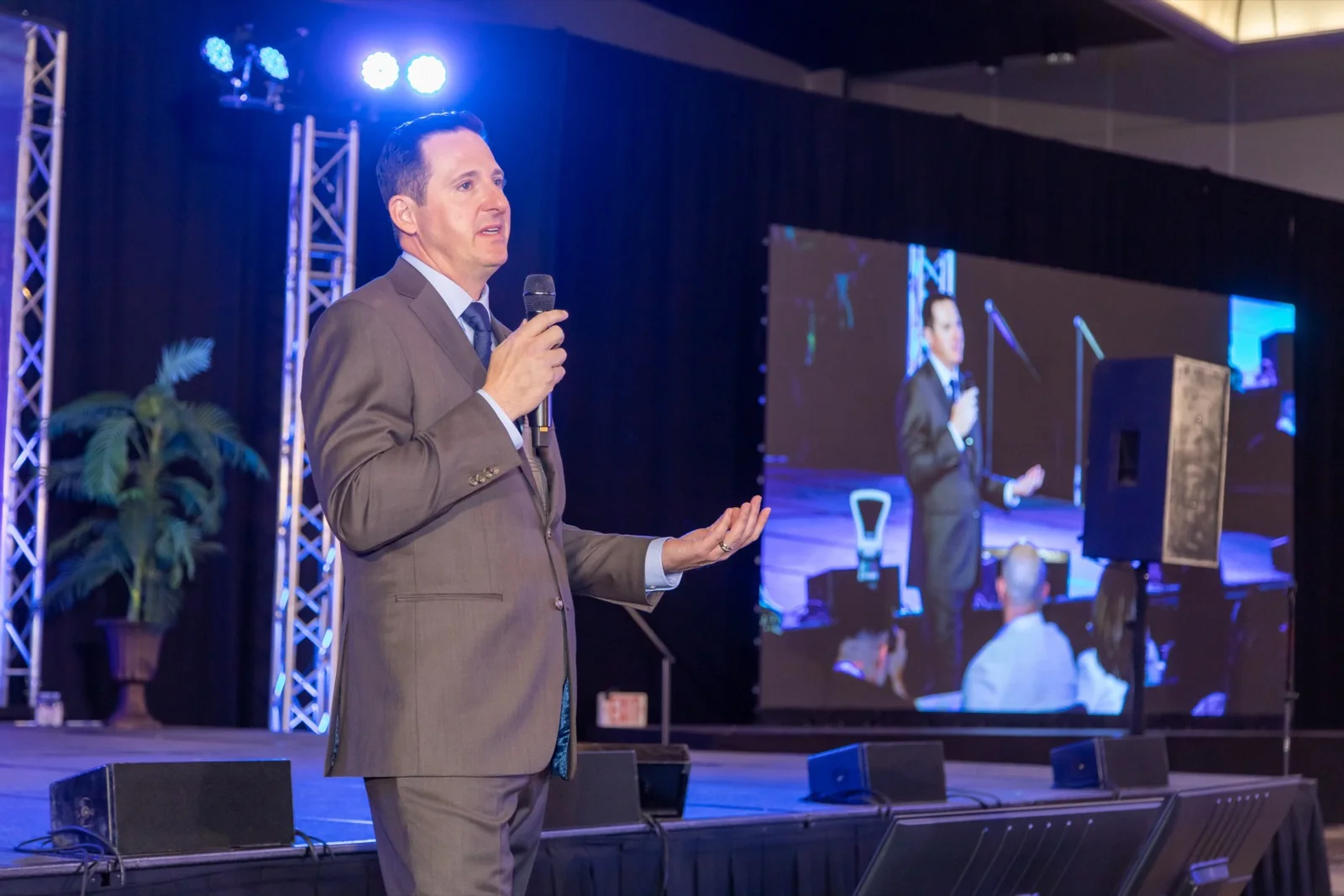
IMAG stands for image magnification. It means taking a live camera feed of whoever is on stage and putting it on the large screens in the room, so that the person in row forty can see a face rather than a distant silhouette.
If you have ever been to a conference in a ballroom and watched the speaker on a screen beside the stage, you have watched IMAG.
When Does an Event Need It?
Roughly, once the back of the room is more than about fifteen metres from the stage. Beyond that, facial expression is lost, and a speaker whose face you cannot see is much harder to stay with for forty-five minutes.
It also matters for anything where detail is the point — a product held up, a demonstration, a panel where reactions carry the moment.
IMAG Is Not the Same as Recording
This is the distinction that causes the most confusion when quotes are compared.
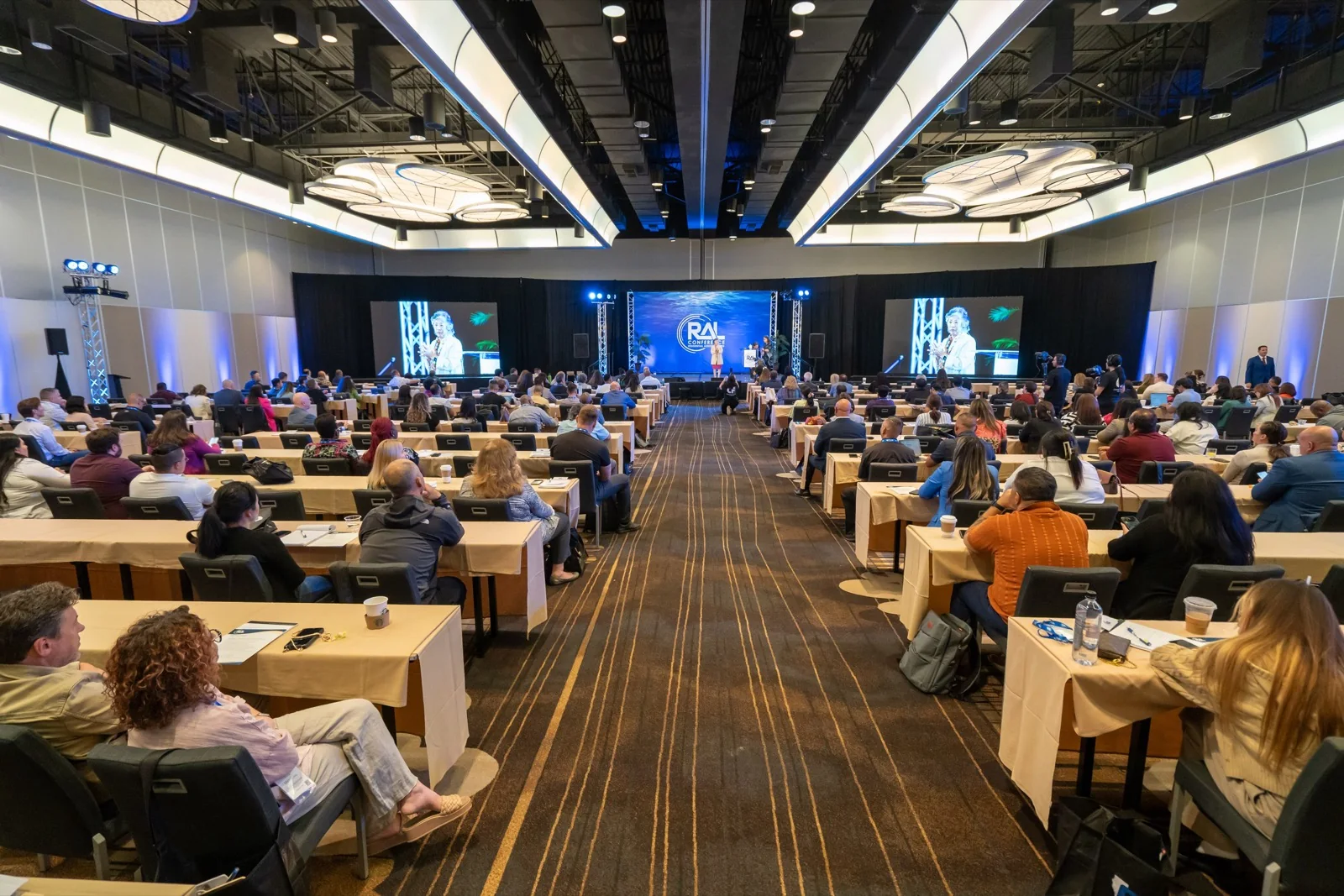
IMAG is live. The feed goes to the screens and, in the strictest sense, disappears. Recording is what gets captured for later — the session video, the highlight film, the clips.
A well-planned setup does both at once: cameras feed the screens live and record clean at the same time. A poorly planned one records the IMAG output, which means your final video is locked to whatever the live cut did, complete with the moment the operator whip-panned to find a speaker who moved.
Ask explicitly whether you are getting clean isolated recordings alongside the live feed. It is the difference between footage you can edit and footage you are stuck with.
Who Provides It?
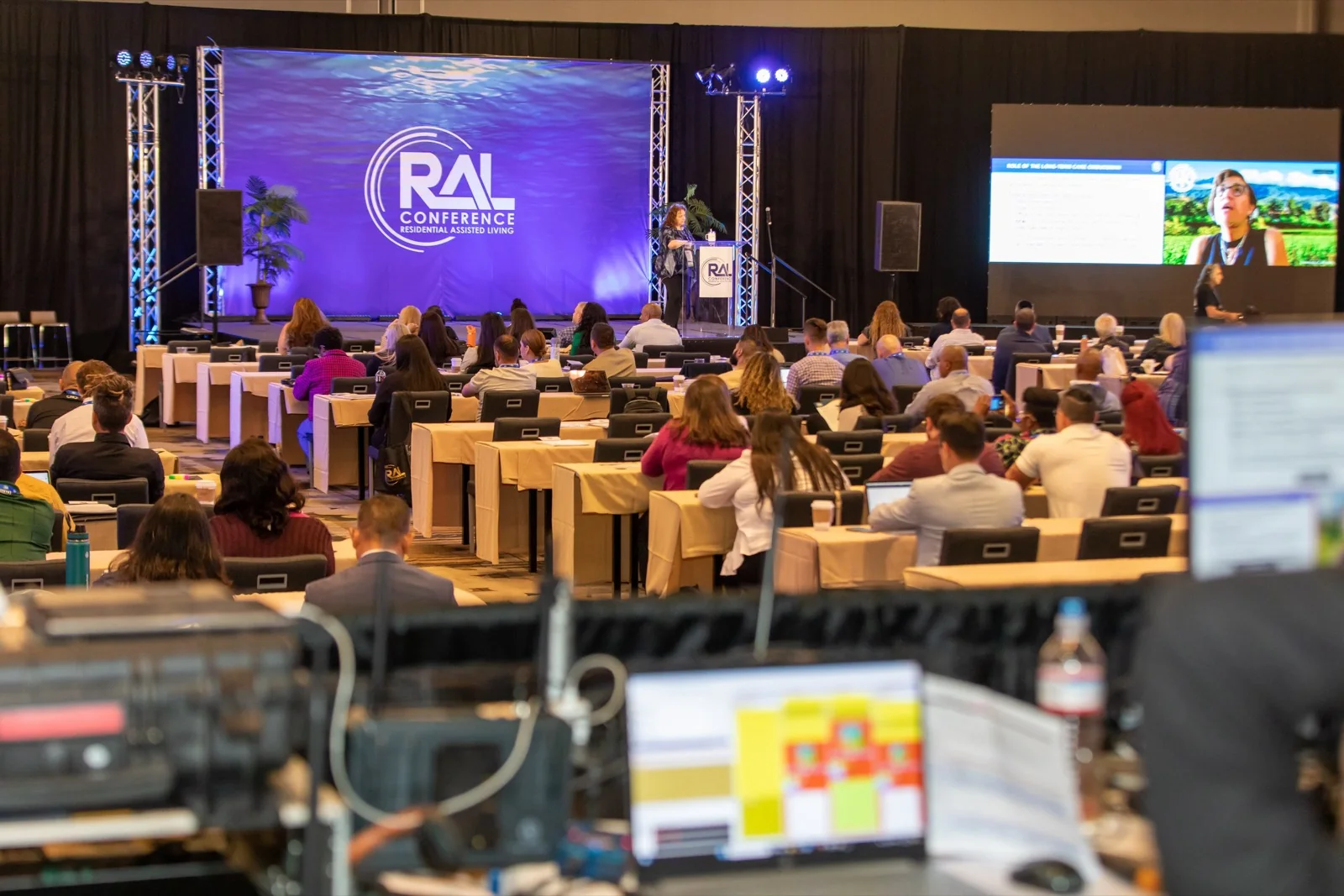
Sometimes the AV company, sometimes the video crew, occasionally both — and once in a while neither, because each assumed the other had it. It is worth a direct conversation early, because it determines camera positions, cabling, and who is standing where during the general session.
What It Involves
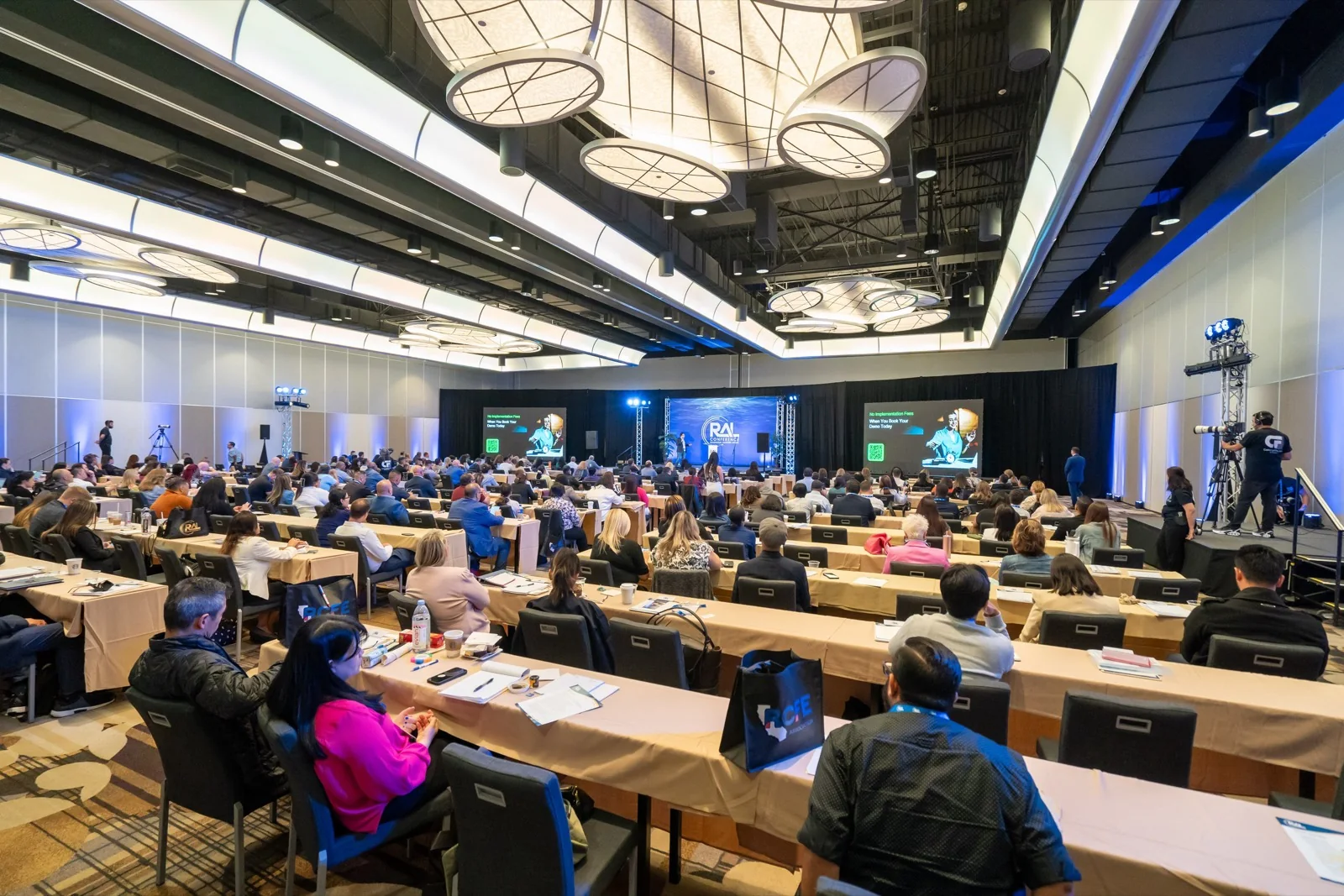
At minimum: one camera on the stage, a video switcher, a run to the room's projection or LED system, and an operator. Larger programmes use several cameras cut live — a wide, a close, and often a camera for the presentation slides.
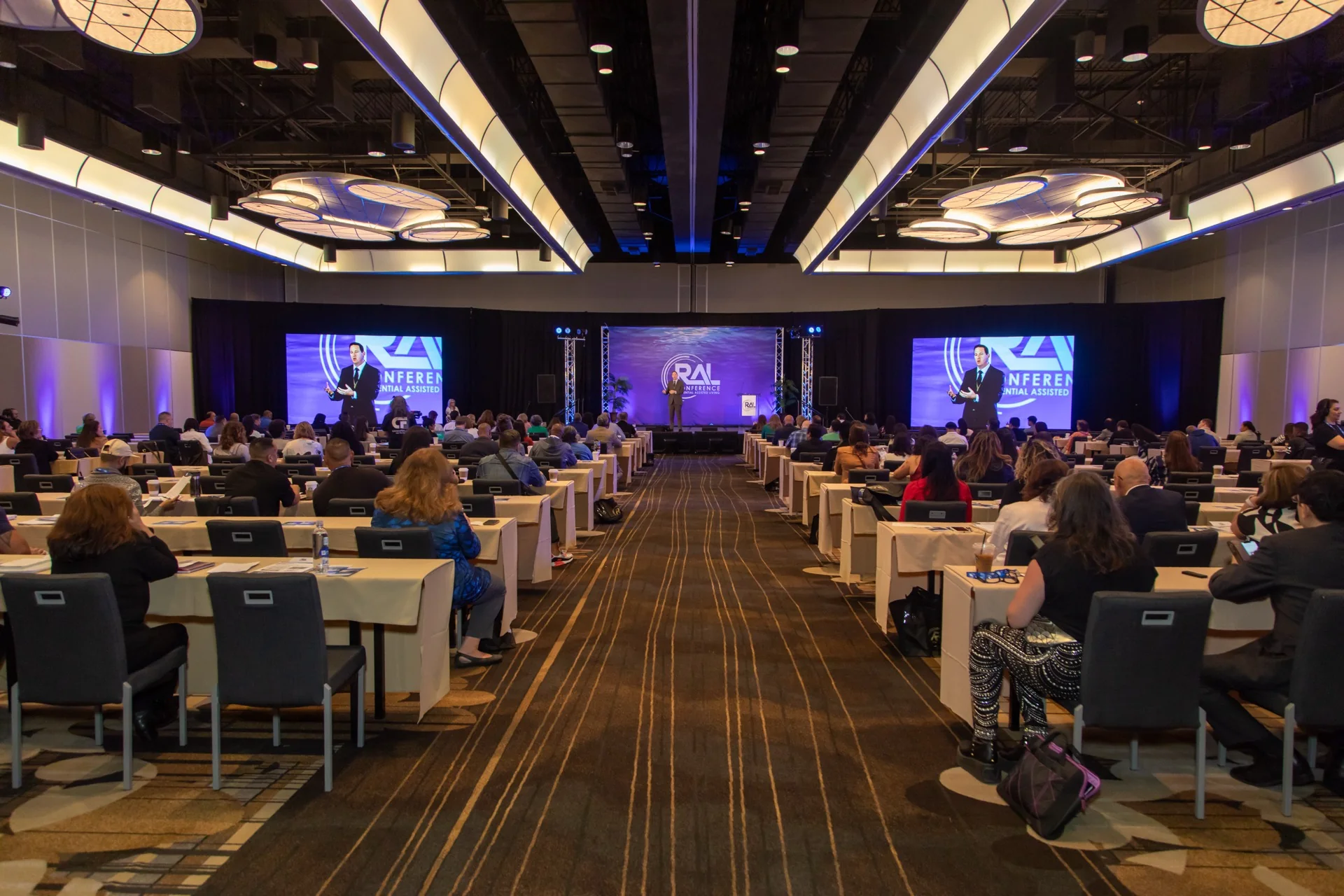
It is a genuinely different skill from filming for an edit. Live cutting is unforgiving; there is no second pass and everyone in the room sees the mistake at the same moment.
Worth Knowing Before You Book
If your programme includes a main room with a large audience, ask three things: is IMAG included, are we recording clean at the same time, and who owns that scope. Getting those settled early prevents the most common and most expensive surprise in conference video.
We cover conferences in Los Angeles with IMAG feeds to house screens and clean recording running alongside. If you have a programme coming up, we are glad to talk it through.